
Bring some breathing room to the school browser.
We'll walk you through Dock using your own classroom workflow.


Dock it. Lock it. Relax.
No folders to maintain. No digging through history later.
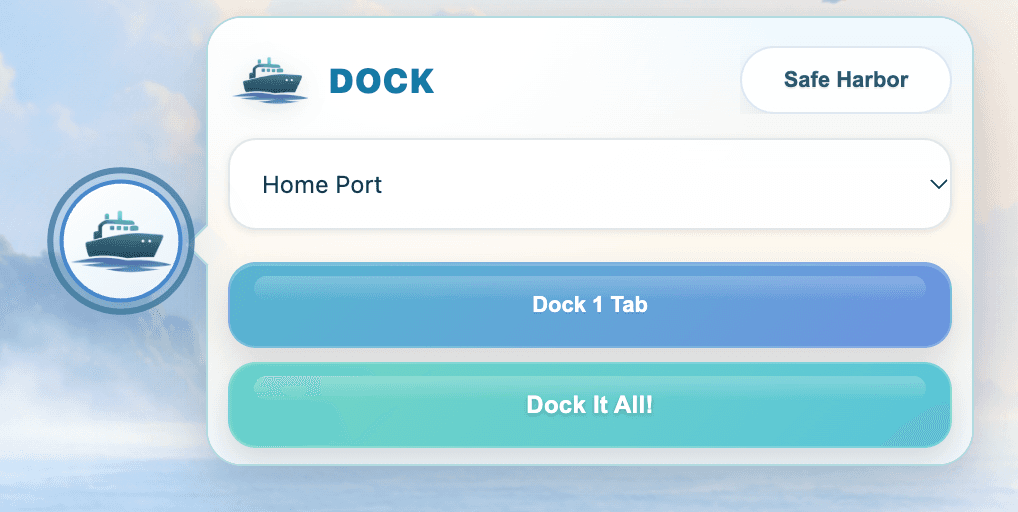
Dock it
Save the tab you're on with Dock 1 Tab, or clear the whole browser at once with Dock It All!

Lock it
Everything you docked waits in Safe Harbor as pictures you'll recognize, on any session you sign in to.

Relax
Close the clutter and focus on the work in front of you. Saved work is one click away.
Ready to bring Dock to your school?